Read on the device
PDFs and photos are turned into text on the phone, and the transactions are picked out there too. The printed totals are checked line by line, so a misread is caught rather than hidden.
Statements and bills, read on your iPhone
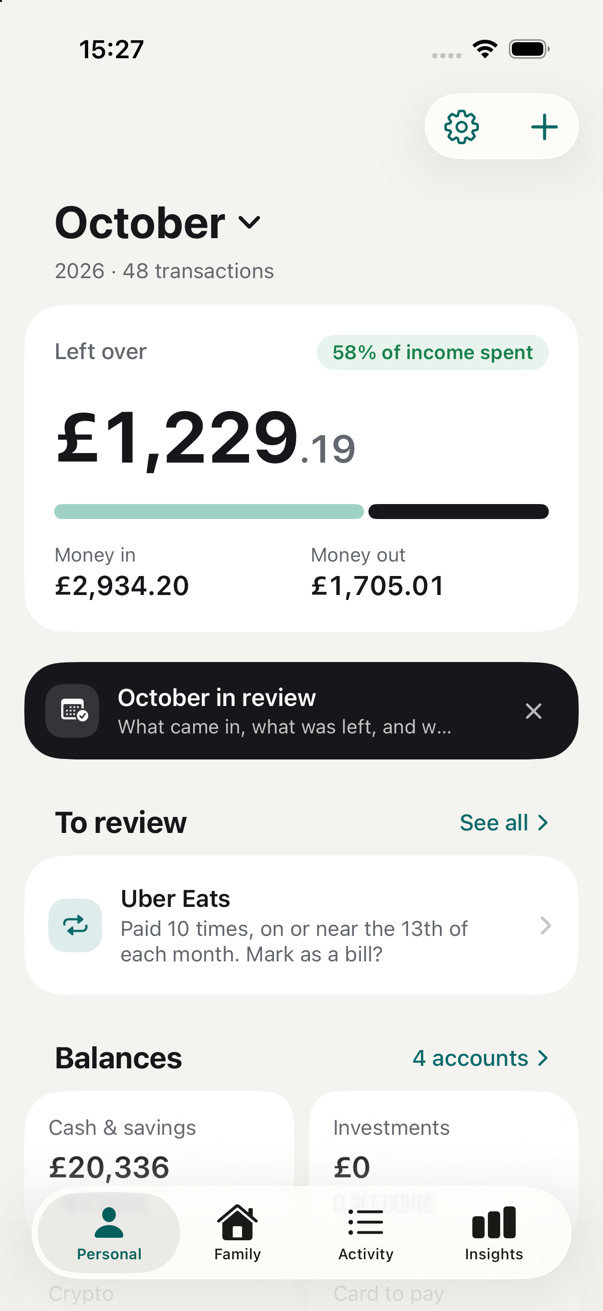
Drop in a bank statement or a bill. Penny Drops reads it on the phone, checks it against the printed totals, and shows what you earned, spent, shared and have left. Nothing is uploaded, ever.
Privacy
Your statements are read by Apple's on-device model, on your iPhone. There is no Penny Drops account, no server and no analytics. The app works with the internet switched off.
PDFs and photos are turned into text on the phone, and the transactions are picked out there too. The printed totals are checked line by line, so a misread is caught rather than hidden.
Logos, shop pins on a map and crypto wallet balances are optional extras. When you turn one on, it sends only what it needs: a bank's website name, a shop name and town, or a wallet address. Never an amount, a name or an account number.
Export an encrypted backup with a passphrase you choose, keep it where you like, and restore it on a new phone. No cloud copy is made unless you make one.
What it does
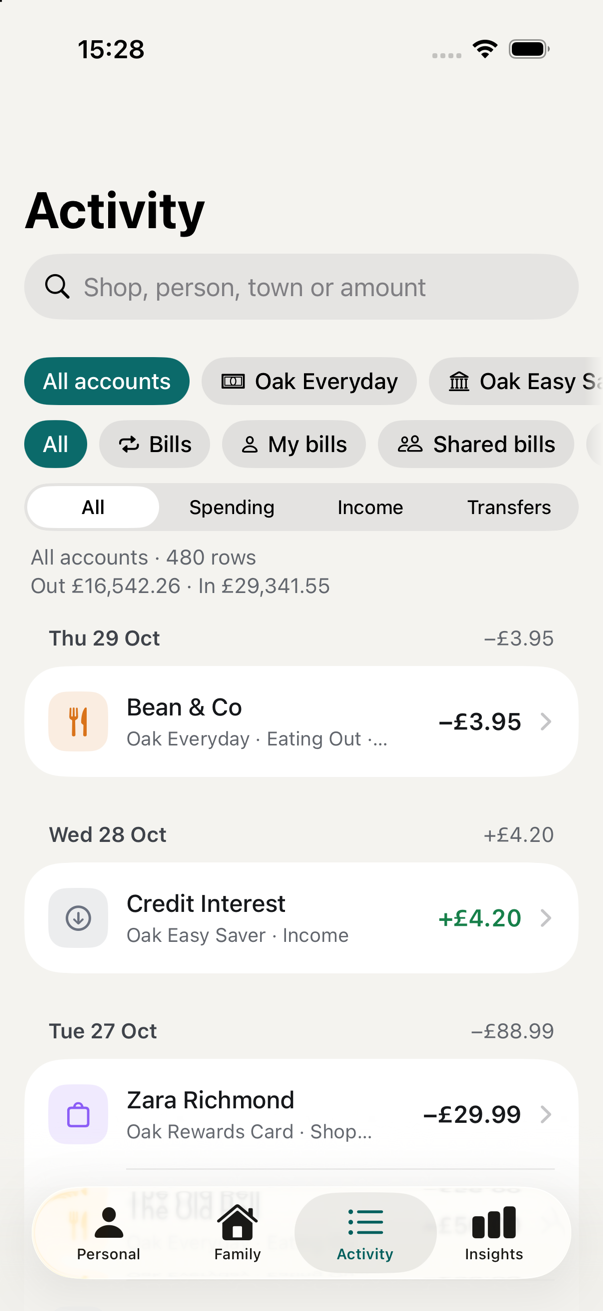
A PDF, a photo or a camera scan. Bank, card, savings, investment and broker statements; utility bills with their payment plan. Imports carry on in the background with a Live Activity.
Each statement is reconciled to its own money in, money out and closing balance. Gaps between statements, duplicate pages and rows the reader was unsure of are listed until you've looked.
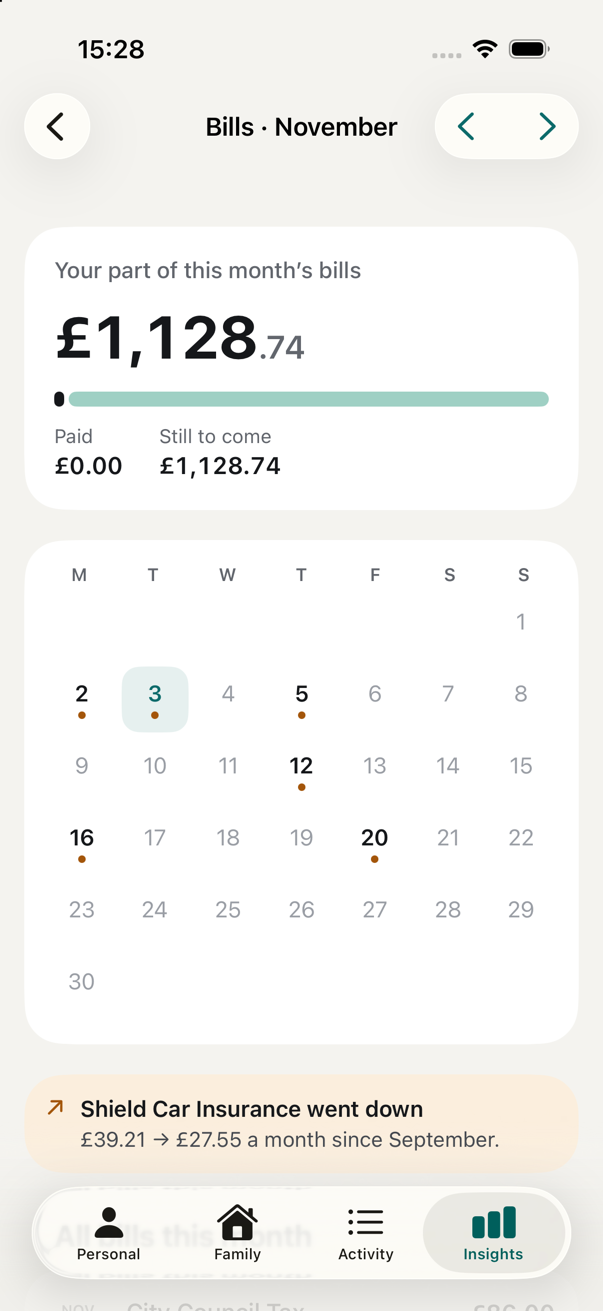
Left over this month, what's shared with your partner, which bills have gone up, what's still to come, and a net worth that includes your home.
Two views of the same money: what's yours, and the household's mortgage, bills, food shopping, children and holidays, with your share against your partner's.
Say a bill is half with someone. Their repayments are matched to the bills they cover, so "owes you" is explained, not guessed.
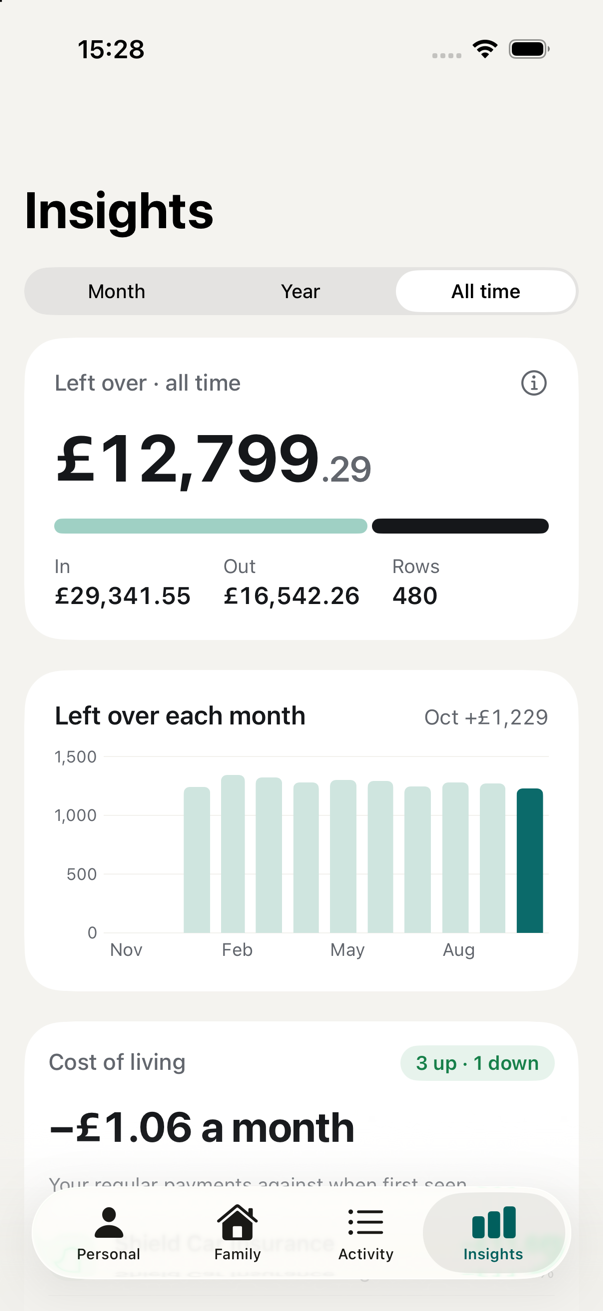
Regular payments that went up or down, and the places you keep going back to: a dearer visit at the same pace points to prices, more visits to habit.
Every statement and bill you import is kept, by account and newest first. Proof of address is two taps: open the bill, share it.
Import a water or energy bill and the app reads the account, the period, the total and the payment schedule, then watches for each payment.
Cash, investments, crypto, your home and what you owe in one figure. Budgets with a pace line. A tax year pack with interest and dividends as a CSV.
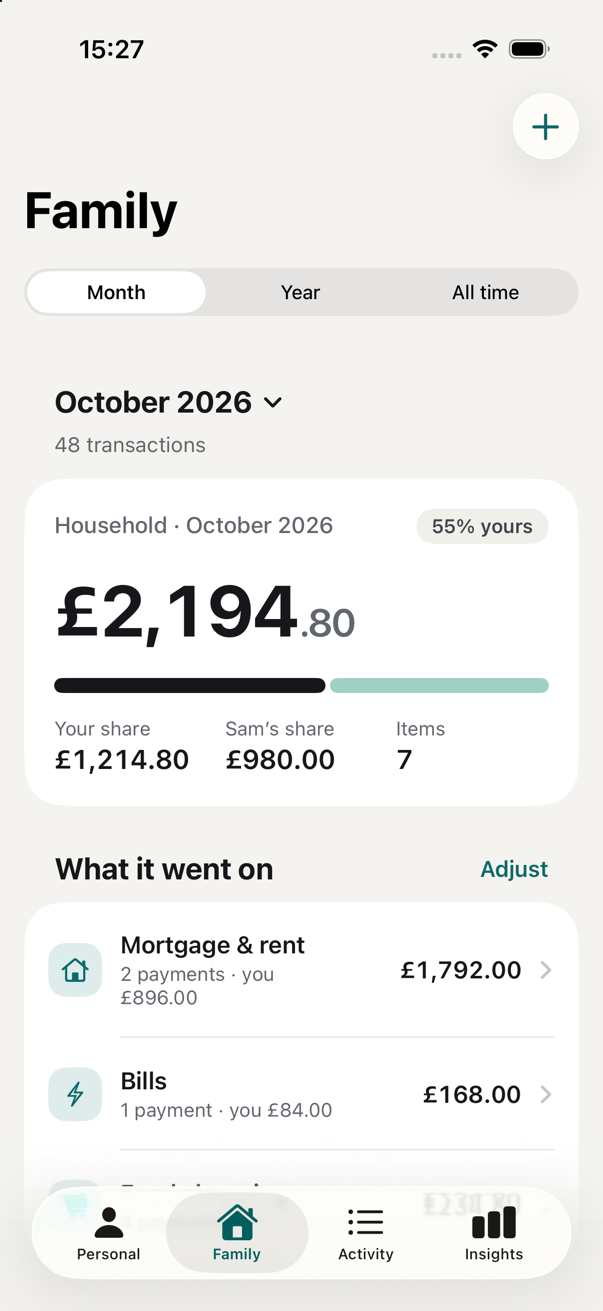
Household
Your partner's statements aren't in the app, and they don't need to be. Tell Penny Drops which bills are shared, or which ones they pay and you send your half of, and the household picture builds itself from your side.
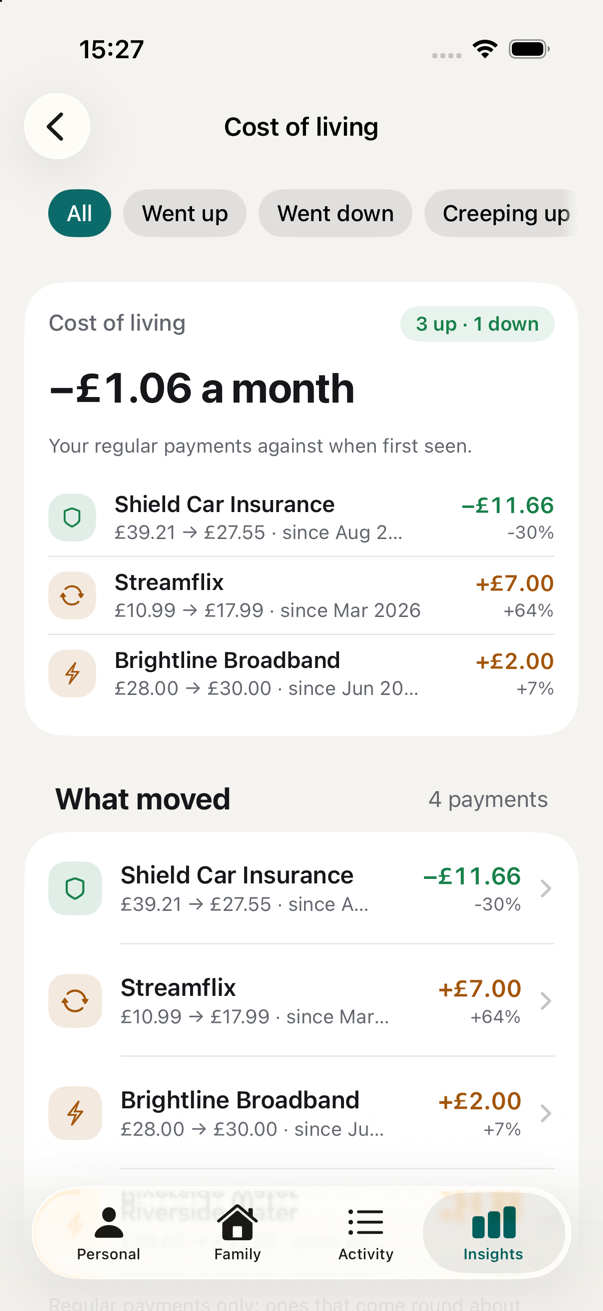
Cost of living
Every regular payment is compared with where it was: a year ago when there's enough history, or when it was first seen. The ones that creep up step after step are called out.
When a statement won't read
Banks lay statements out in hundreds of ways. If yours doesn't read cleanly, Penny Drops can make an anonymised layout report to help support for your bank get added.
Price
No subscription, no advertising, and nothing of yours to sell, because nothing of yours ever reaches us. Penny Drops is built for one household at a time.
Questions
No. There is no Open Banking link and no login to any bank. You give it the statements your bank already gives you, as PDFs or photos, and it reads them on the phone.
Each statement is checked against its own printed totals and closing balance. Anything that doesn't add up is flagged on the statement and on the Home screen, and every row the reader was unsure of is shown next to the printed line for you to confirm or correct.
Only the extras you switch on. Merchant and bank logos send a website name to Google's icon service. Shop pins send a merchant name and town to Apple Maps. A crypto wallet sends its public address to a block explorer and fetches prices. Statements, transactions, balances, names and account numbers never leave the phone.
Yes: a tax year CSV of interest and dividends, a PDF report, and an encrypted backup you can restore on another iPhone. Every imported PDF is kept and can be shared from the Documents screen.
Only what touches your accounts: their card on your bill, their repayments to you, and the bills you've told the app they pay. Their own statements aren't needed for the household view to work.
The reading is done by Apple's on-device model, which runs on iPhone 15 Pro and later. That requirement is what keeps everything on the phone.